> ## Documentation Index
> Fetch the complete documentation index at: https://docs.entry.fi/llms.txt
> Use this file to discover all available pages before exploring further.
# Editar ou cancelar ordens/posições
Editar ou cancelar uma ordem não é a mesma coisa que gerenciar uma posição aberta.
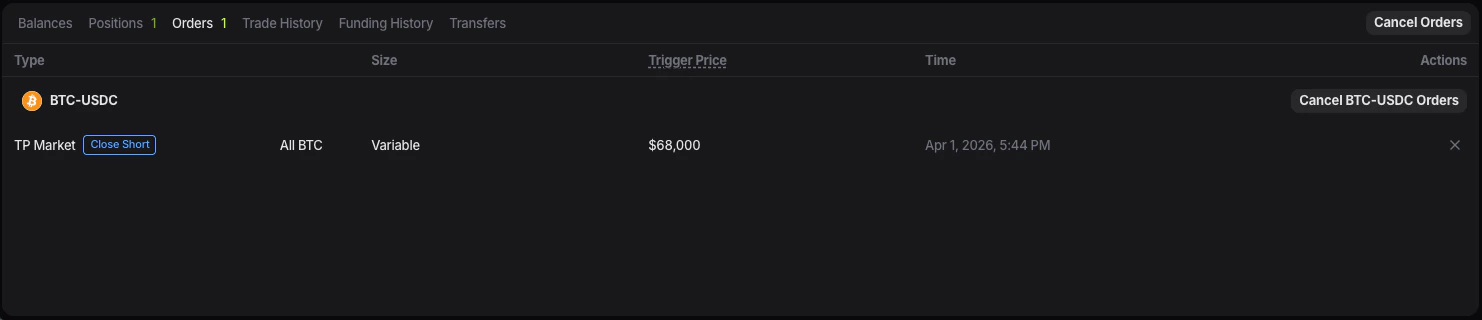
## Cancelar uma ordem aberta
Use a aba **Orders** para ordens que ainda não foram preenchidas.
 ## Editar TP ou SL
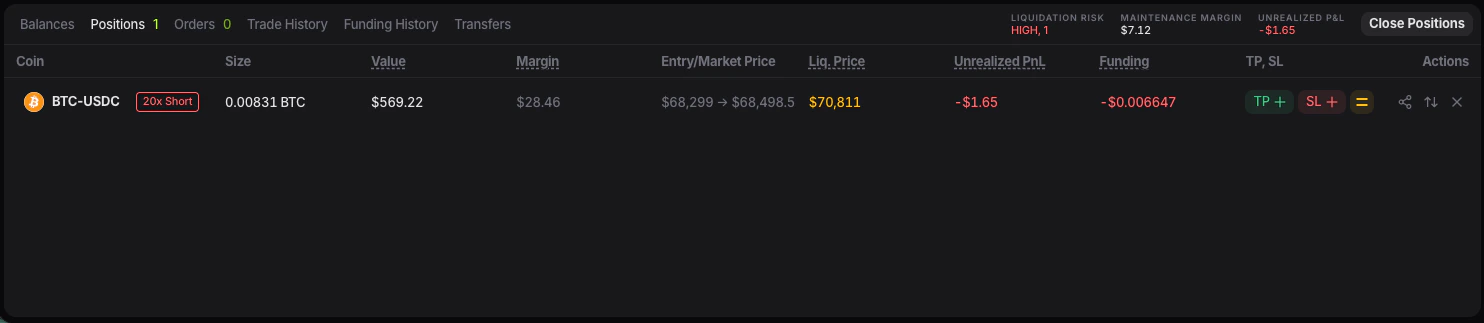
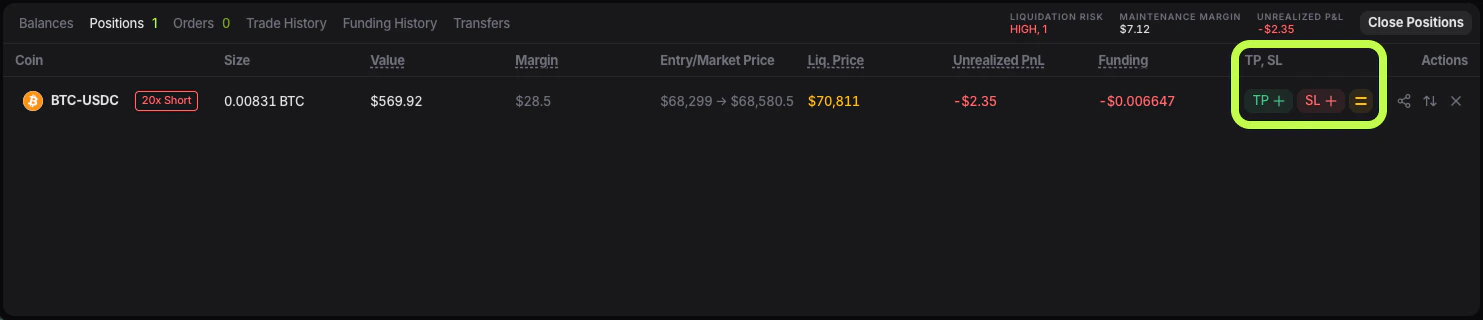
Os exits vinculados a uma posição são modificados em **Positions**.
## Editar TP ou SL
Os exits vinculados a uma posição são modificados em **Positions**.
 ## Fechar uma posição
1. Abra **Positions**.
2. Busca a posição.
3. Use a ação de fechamento disponível.
## Fechar uma posição
1. Abra **Positions**.
2. Busca a posição.
3. Use a ação de fechamento disponível.