> ## Documentation Index
> Fetch the complete documentation index at: https://docs.entry.fi/llms.txt
> Use this file to discover all available pages before exploring further.
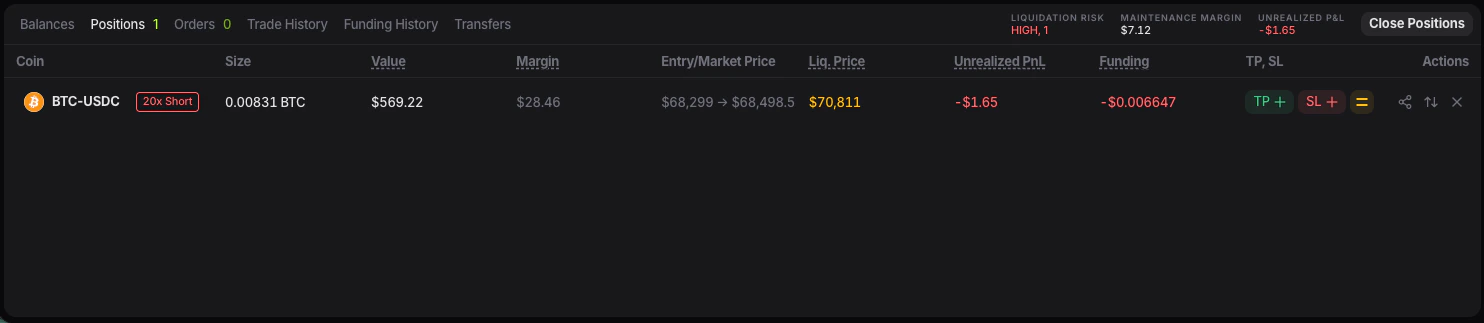
# Modificare o annullare ordini/posizioni
Modificare o annullare un ordine non e la stessa cosa che gestire una posizione aperta.
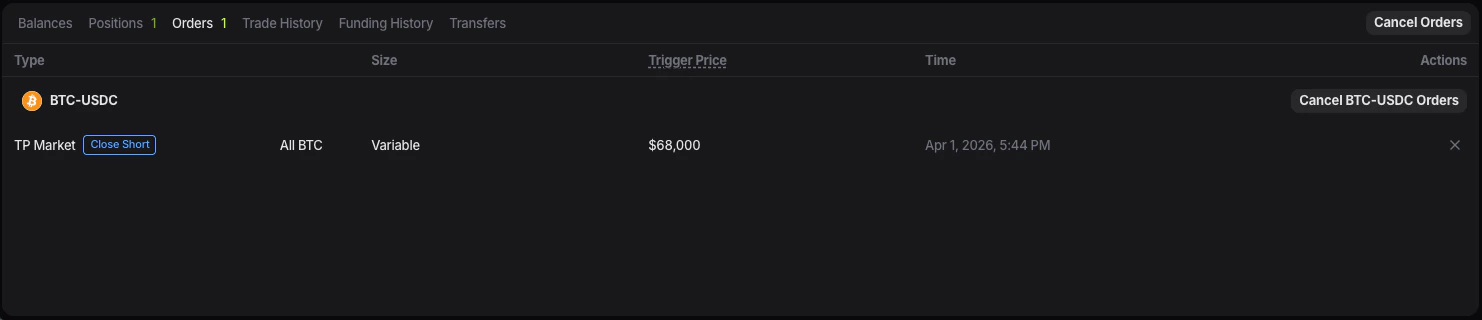
## Annullare un ordine aperto
Usa la scheda **Orders** per gli ordini non ancora eseguiti.
 ## Modificare TP o SL
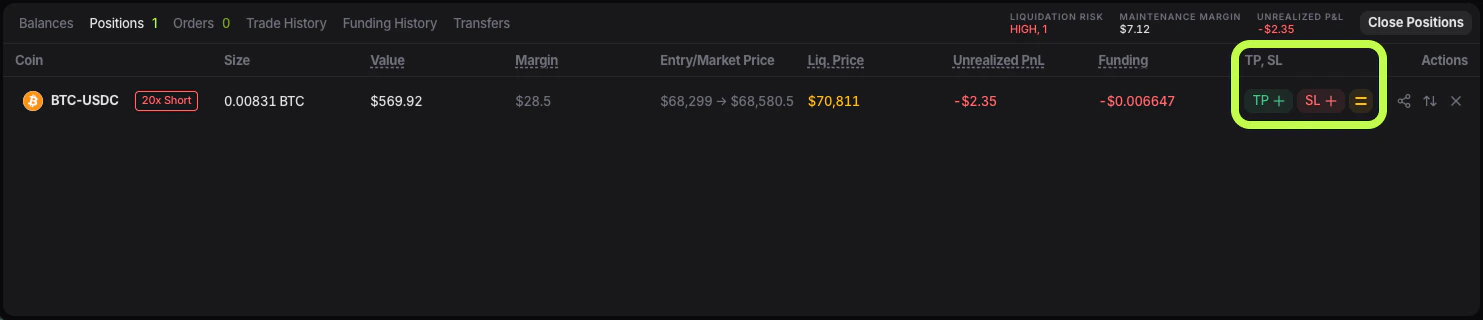
Le uscite collegate a una posizione si modificano da **Positions**.
## Modificare TP o SL
Le uscite collegate a una posizione si modificano da **Positions**.
 ## Chiudere una posizione
1. Abre **Positions**.
2. Trova la posizione.
3. Usa la accion de cierre disponible.
## Chiudere una posizione
1. Abre **Positions**.
2. Trova la posizione.
3. Usa la accion de cierre disponible.